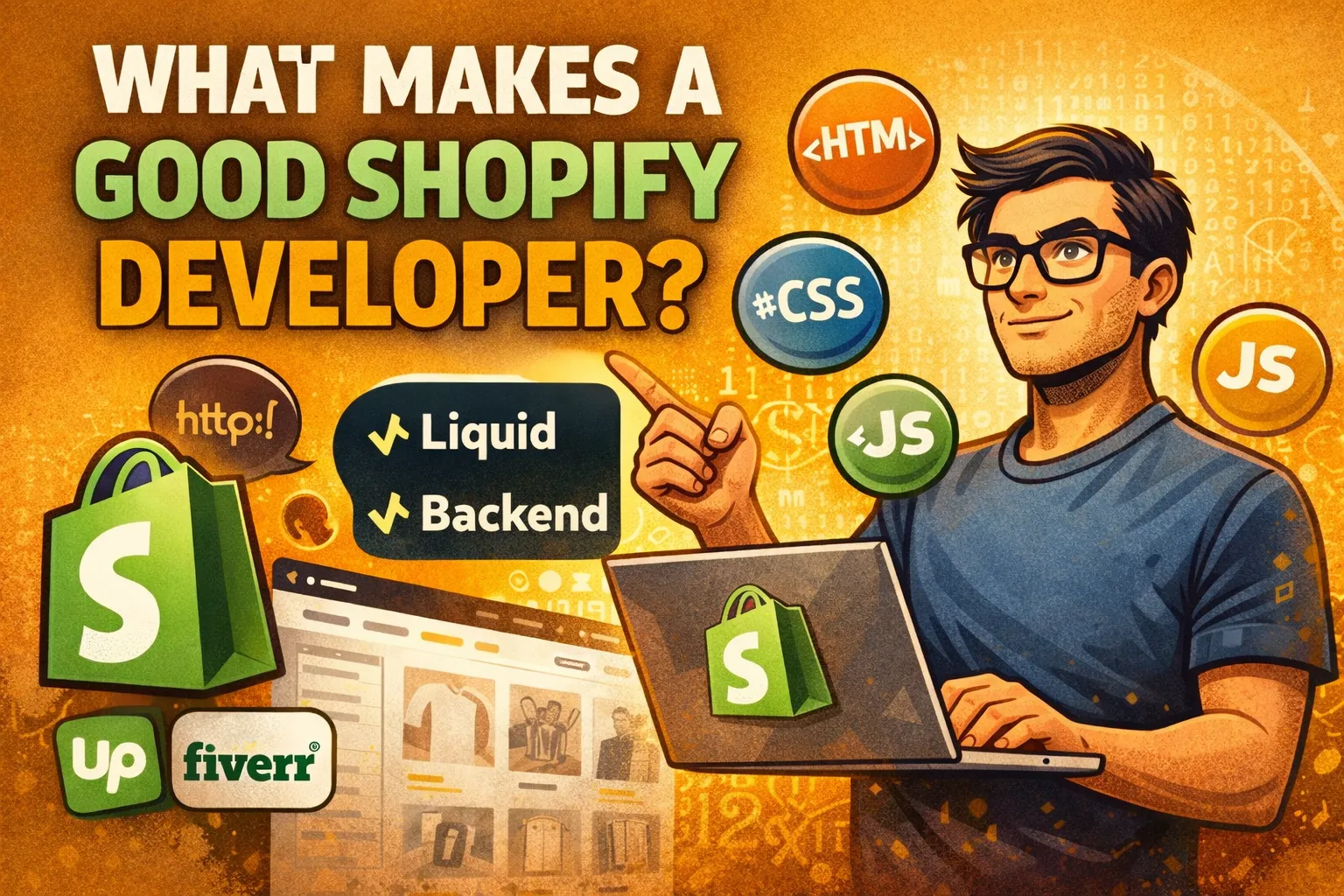
The common misconception: “Shopify developer” = “knows Shopify”
Many business owners assume a Shopify developer mainly needs to know Shopify’s admin and settings.
In practice, it’s almost the opposite.
Shopify knowledge is the final layer.
The foundation is front-end development — because most Shopify work (especially themes and storefront UX) is literally web development.
If you hire someone who only knows where buttons are in Shopify, you’ll often get:
- a store that looks okay but feels off,
- slow pages,
- broken layouts on mobile,
- messy workarounds,
- or a theme that becomes impossible to maintain.
What is a CMS (and why it matters)?
Shopify is a CMS — a Content Management System.
A CMS is software that helps you manage content (products, pages, images, blog posts) through an admin panel, while the website visitors see is generated from web technologies like:
- HTML (structure)
- CSS (design/layout)
- JavaScript + DOM (interactions, dynamic behaviors)
Shopify is “opinionated” and e-commerce focused — but at the end of the day, the storefront your customers use is still a web app.
Why a great Shopify developer is 95% front-end
For theme development, the work is mostly:
- layout (sections, grids, spacing, responsiveness),
- typography,
- product cards, collections, filters,
- cart behavior, upsells, bundles,
- performance and accessibility,
- visual polish and consistency.
That’s front-end.
Shopify-specific knowledge then sits on top:
- Liquid templating (Shopify’s theme language),
- theme structure (sections, snippets, templates),
- Shopify objects (product, cart, collections),
- app integrations and compatibility.
And then there’s a small “sprinkle” of back-end thinking:
- data flows (how product data is structured),
- API basics (Shopify Admin API / Storefront API in advanced builds),
- webhooks or middleware in more complex stores.
You don’t need a full back-end engineer for most Shopify projects — but a developer who understands the concepts avoids fragile solutions.
Why clients often get disappointed (Upwork/Fiverr reality)
On platforms like Upwork and Fiverr, job posts commonly say:
“Need a Shopify developer.”
That’s totally reasonable — it’s not the client’s job to know the technical breakdown.
But the marketplace label “Shopify developer” is broad, and it mixes:
- Shopify operators (good at admin + page builders)
- Theme developers (Liquid + front-end)
- Front-end engineers (strong UI/UX + performance) who also know Shopify
- Full-stack commerce devs (headless, APIs, custom apps)
If you accidentally hire #1 for a #2 or #3 problem, you might get a “finished” site that:
- feels generic,
- loads slower,
- breaks when you change content,
- or becomes a pile of quick fixes.
That’s how disappointment happens.
The page builder confusion: when you need code vs when you don’t
A lot of store work can be done with:
- Shopify’s theme editor,
- page builders,
- prebuilt sections,
- apps.
And that’s fine — when your needs match the builder’s assumptions.
But here’s the key truth:
Page builders still output code.
They generate HTML/CSS/JS — it’s just produced through a UI.
So if you need something more precise:
- a layout that perfectly matches your brand,
- a complex interactive section,
- better performance,
- custom logic for product pages,
- cleaner responsive behavior,
…manual code can be better because:
- it’s tailored to your store,
- it avoids heavy “builder bloat,”
- it’s easier to optimize,
- and it gives you cleaner long-term maintainability.
Builders are designed for general scenarios.
A real developer can build your scenario.
How to choose the right Shopify developer for your project
Think in terms of the type of work you need:
A) You mainly need “store setup” (good fit for builder + admin skills)
Choose someone strong in:
- Shopify setup, products, collections, shipping, taxes
- theme configuration
- basic sections and page builders
- standard apps
Ask for: examples of stores they configured and maintained.
B) You need theme customization and a premium storefront
Choose a developer with:
- strong HTML/CSS/JavaScript
- Liquid experience
- a portfolio showing custom sections and real UI polish
Ask for:
- before/after examples,
- Lighthouse/performance considerations,
- how they handle responsive design and accessibility.
C) You need advanced commerce (custom apps, headless, custom integrations)
Choose someone who can discuss:
- Storefront API / Admin API
- webhooks
- middleware (Node, serverless)
- architecture and long-term maintainability
Ask for: similar integrations they built and how they secured/maintained them.
10 questions to screen a Shopify developer (simple but powerful)
- What Shopify theme have you customized most recently — and what did you change?
- Can you show a custom section you built (not just builder pages)?
- How do you approach mobile responsiveness?
- How do you avoid slowing down the store with apps/scripts?
- What’s Liquid and where does it run?
- How do you test changes before pushing live?
- Can you explain how Shopify renders a product page (data → template → output)?
- What’s your approach to accessibility (buttons, focus states, contrast)?
- How do you structure code so the store stays maintainable?
- What would you not build with a page builder — and why?
A strong candidate won’t give “buzzword” answers. They’ll explain tradeoffs clearly.
Red flags that usually lead to regret
- “I can do anything in Shopify” but no examples of custom code
- only shows page builder work
- no mention of performance or mobile
- suggests installing 10 apps for simple problems
- can’t explain what Liquid does
- pushes changes directly on live theme with no staging/preview
The bottom line
If you want a Shopify store that looks great, feels fast, and stays maintainable:
Hire for front-end skill first.
Then Shopify + Liquid.
Then (when needed) basic back-end concepts.
Because Shopify isn’t magic — it’s a CMS built on the web.
And the storefront is the web.