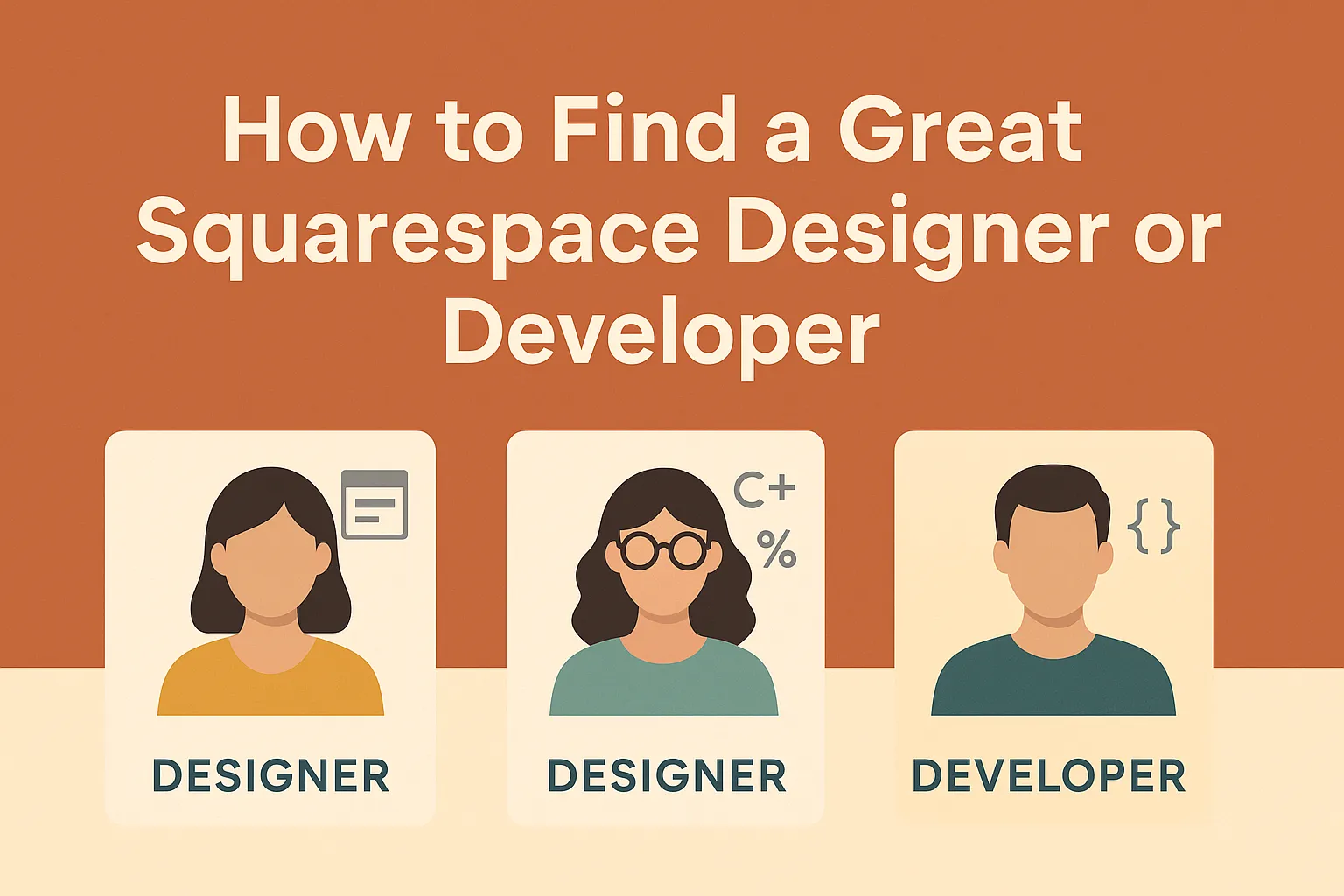
Choosing the right Squarespace pro can make the difference between “looks fine” and “wow, this is exactly what I needed.” Here’s a clear, no-nonsense way to evaluate candidates—starting with the three common profiles you’ll see on Squarespace projects.
The 3 Types of Squarespace Pros
- Designer (Editor-only)
Lives inside Squarespace’s visual editor (now Fluid Engine) to arrange blocks, sections, and layouts. Great for clean builds, content updates, and brand-consistent sites—without custom code. - Designer + Light Code (Editor + CSS/HTML/JS snippets)
Still uses the editor for most work, but can add Custom CSS, Code Blocks, or Code Injection for tweaks like animations, style overrides, embeds, and light feature add-ons. Handy when you need polish beyond the defaults—but still within Squarespace’s supported model. Note: code-based customizations are outside Squarespace support scope. - Developer (Advanced custom code & integrations)
Can push past template limits with structured CSS/JS, third-party integrations, and Extensions (Squarespace’s “app marketplace”) for e-commerce and workflow features. Full template code access (“Developer Mode”) exists for 7.0, not 7.1, so modern projects typically extend 7.1 via CSS/JS, code injection, and integrations—not by editing template files.
Reality check: If a designer doesn’t write code, don’t expect complex custom features. If you need unique UI/UX behaviors, API-style integrations, or e-commerce workflows, you’re in “developer” territory—often with selective use of extensions and custom JS. (Squarespace)
Match the Pro to the Project
- Brand site / portfolio / services
Choose a Designer or Designer + Light Code. You’ll get fast iteration with Fluid Engine’s drag-and-drop and mobile layout controls, plus tasteful CSS enhancements. - Marketing site with on-page effects & embeds
Designer + Light Code is ideal: custom CSS for typography and spacing, small JS for interactions, embeds for forms/analytics. Remember: code snippets via CSS, Code Blocks, or Code Injection are normal—but beyond official support. - Commerce with unique workflows (bundles, print-on-demand, shipping rules, catalogs, etc.)
Go Developer who knows Extensions and can wire up operational tools. This unlocks serious functionality without leaving Squarespace. - Legacy 7.0 projects needing template-level edits
You’ll need a Developer comfortable with 7.0 Developer Mode (and its limits). For 7.1, Developer Mode does not apply.
How to Vet a Squarespace Pro (Step-by-Step)
- Scan their portfolio for 7.1 + Fluid Engine mastery
Look for modern section design, grid discipline, and consistent mobile layouts. If every site looks like a stock template, they may be editor-only. - Ask what they can do without plugins
A good Designer+ will articulate where Custom CSS, Code Blocks, and Code Injection fit—and when to avoid them. (You want intentional use, not a fragile pile of scripts.) - Probe their integration strategy
For e-commerce and operations, ask which Extensions they’ve implemented and why. You’re looking for clear, business-level answers (shipping, fulfillment, inventory, subscriptions, analytics). - Check Circle status (nice-to-have)
Squarespace Circle members get longer trials, product updates, and partner-level resources. It’s not a quality guarantee, but it’s a positive signal of platform commitment. - Review two real case studies
Ask for before/after problems and outcomes: speed to launch, conversion lift, easier content ops, or e-commerce improvements (not just visuals). Independent reviews of Squarespace highlight its strengths—design consistency, ease, and security—but experienced pros know where it needs augmentation. - Run a small paid discovery
Have them map requirements to approach: native editor vs CSS/JS vs Extension; risks; timeline; and maintenance plan (what breaks if Squarespace ships a change?). You’re testing thinking, not just aesthetics.
Red Flags
- “We’ll enable Developer Mode on 7.1.” → Not a thing. (Developer Mode is 7.0-only.)
- “We can do anything with code injection.” → Code injection is powerful but not limitless; also, custom code is outside Squarespace support.
- “We never use extensions.” → Extensions are the sanctioned path to add robust functionality—ignoring them can mean reinventing wheels or fragile hacks.
Interview Questions You Can Copy/Paste
- Editor vs. code: “What will be done in Fluid Engine vs. Custom CSS/JS? Why?”
- Integrations: “Which Squarespace Extensions would you consider for my use case and why?”
- Maintainability: “How will custom code survive future Squarespace updates? What’s your rollback plan?”
- E-commerce depth: “Show me an example where an Extension saved time or opened revenue.”
- Professional commitment: “Are you a Squarespace Circle member? What tangible benefits will I see?”
Budget & Timeline Ranges (Reality-Based)
- Designer (Editor-only): fastest and most affordable; best for small sites or tight timelines.
- Designer + Light Code: mid-range effort; great value for distinctive visuals and small feature lifts.
- Developer: higher investment where customization/integrations create ROI (e.g., commerce ops, unique UX flows). Leverages Extensions to avoid custom-building everything.
TL;DR: Who Should You Hire?
- Launch a polished site quickly? Designer (or Designer + Light Code).
- Need signature aesthetics or specific on-page behaviors? Designer + Light Code.
- Require custom functionality or operational integrations? Developer with Extensions experience.
Work With a Team That Does All Three
At abZ Global, we cover the full spectrum—from Fluid Engine craftsmanship to CSS/JS enhancements and extensions-driven integrations—so you get speed, design quality, and reliable custom functionality in one place.
Want to work with us? Send us a message on the Contact Us page or email us at marian@self-manager.net